1. Go to REIChat.AI homepage

2. Click "AI Agents (Chatbots)"

3. Click "My AI Agents"

4. Choose a bot and select the "eye" icon
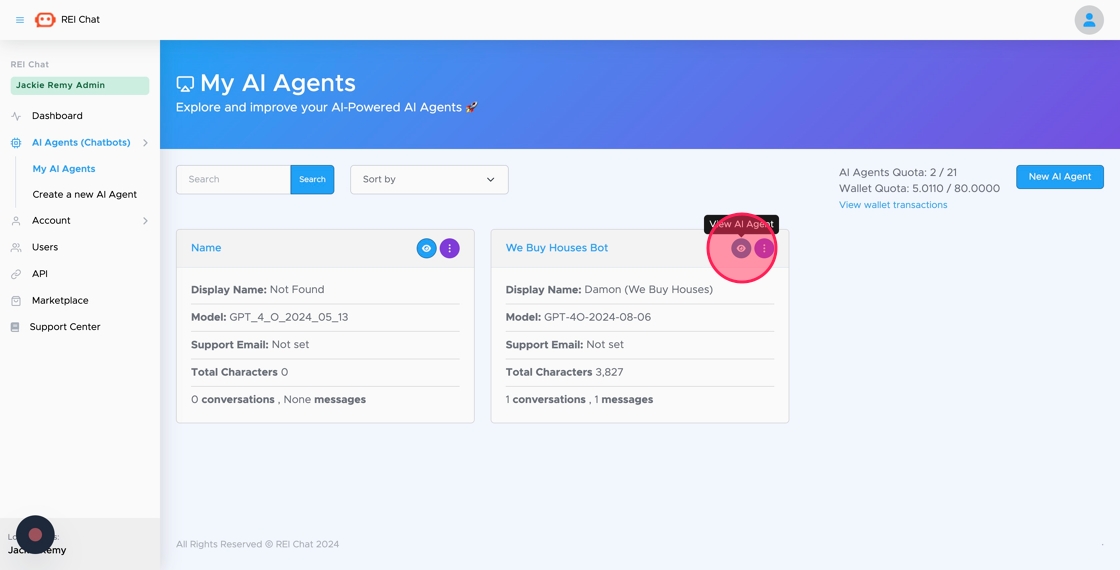
5. Click "Leads"

6. Go to Zapier.com
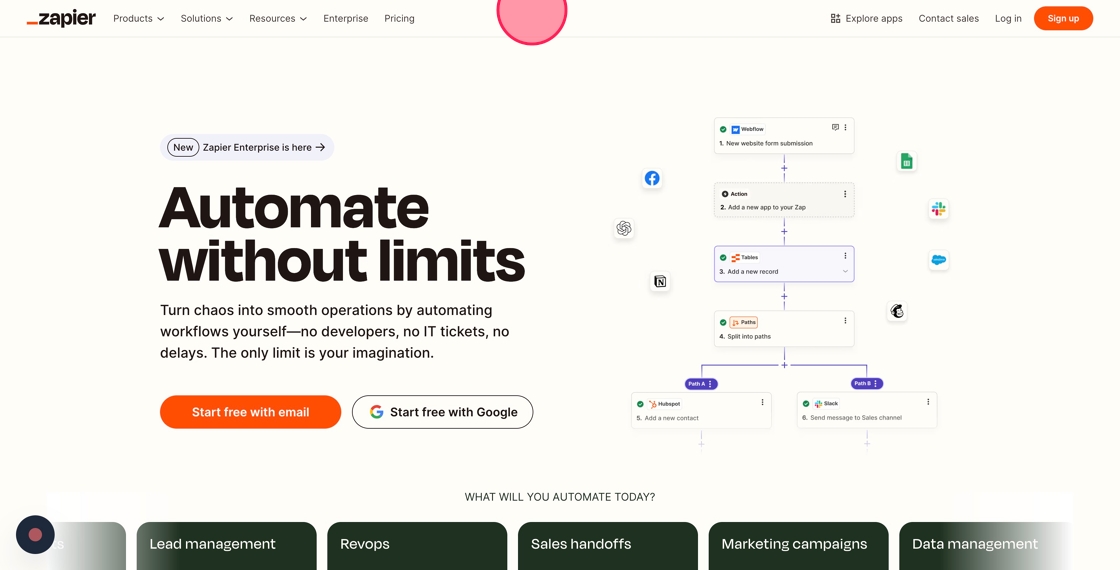
7. Click "Log in"

8. Click "Continue with Google" if you have a Google account. If not, log in with a different account.

9. Click "Your Name"

10. Click "Continue"

11. Click "Create"

12. Click here.
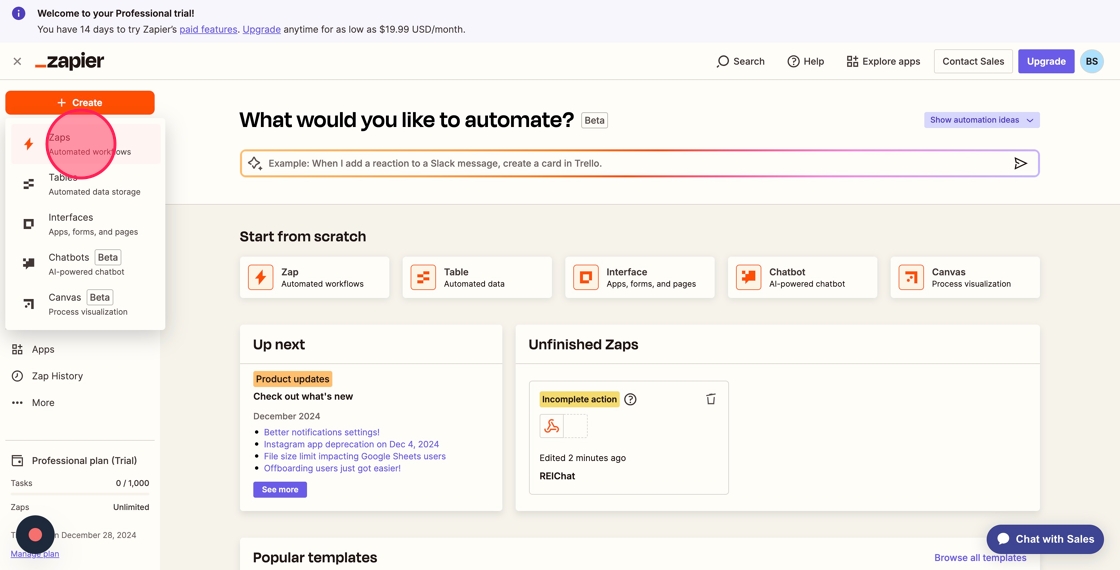
13. Click here at the drop down menu

14. Type "REIChat.AI"
15. Choose Rename

16. Rename "REIChat.AI" at the top header

17. Click "Trigger"

18. Click "Webhooks"
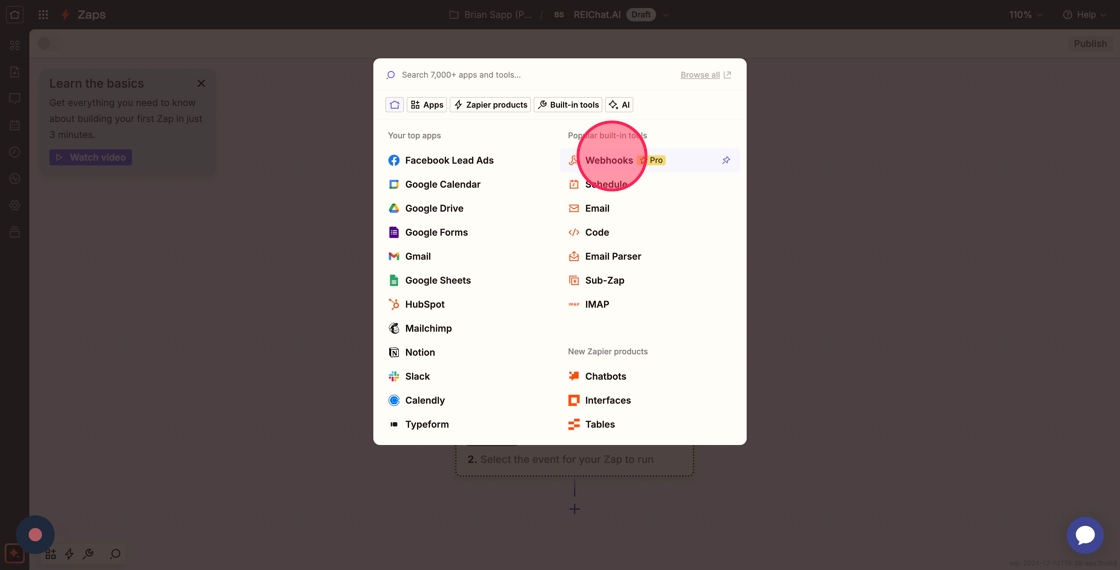
19. Click "Choose an event"

20. Click "Wait for a new POST, PUT, or GET to a Zapier URL."

21. Go to "REI Chat" website

22. Click the "Enable Lead Collection Webhook" field.
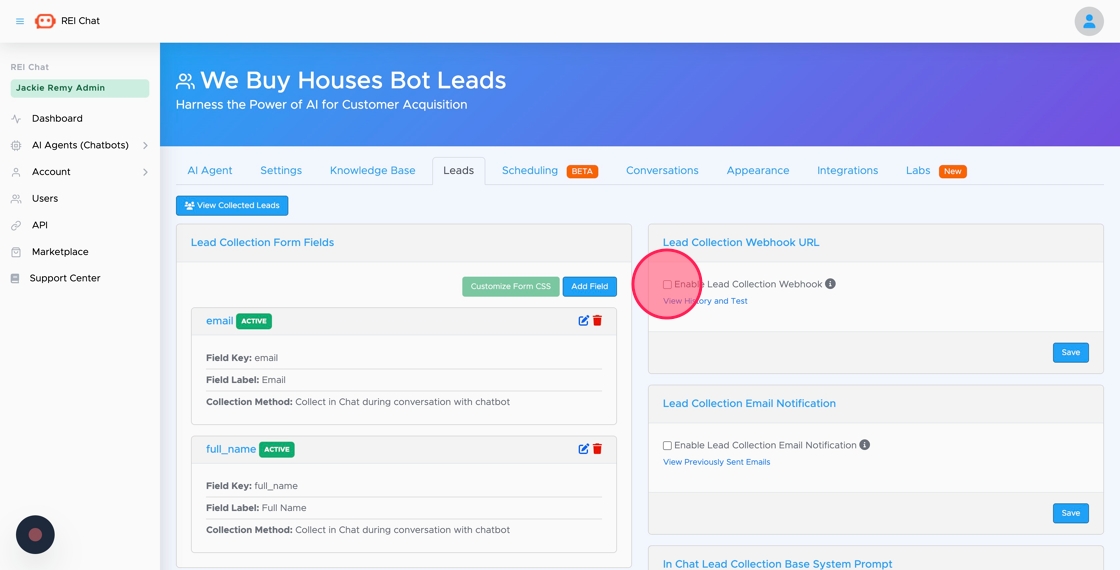
23. Click the "Lead Collection Webhook URL" field.

24. Paste the link from Zapier then click "Save"

25. Click "View History and Test"

26. Click "Test Webhook"

27. Click "Test Webhook"

28. Click "Close"

29. Go to Zapier and click "Here"

Made with Scribe