1. Go to the REIChat.AI homepage

2. Click "AI Agents (Chatbots)"

3. Click "My AI Agents"

4. Click the bot to connect to Facebook

5. Click "Integrations"

6. Click "Instantly connect Facebook Messenger with your AI Agent"

7. Click "Authorize with Facebook"

8. Click "Continue as..."
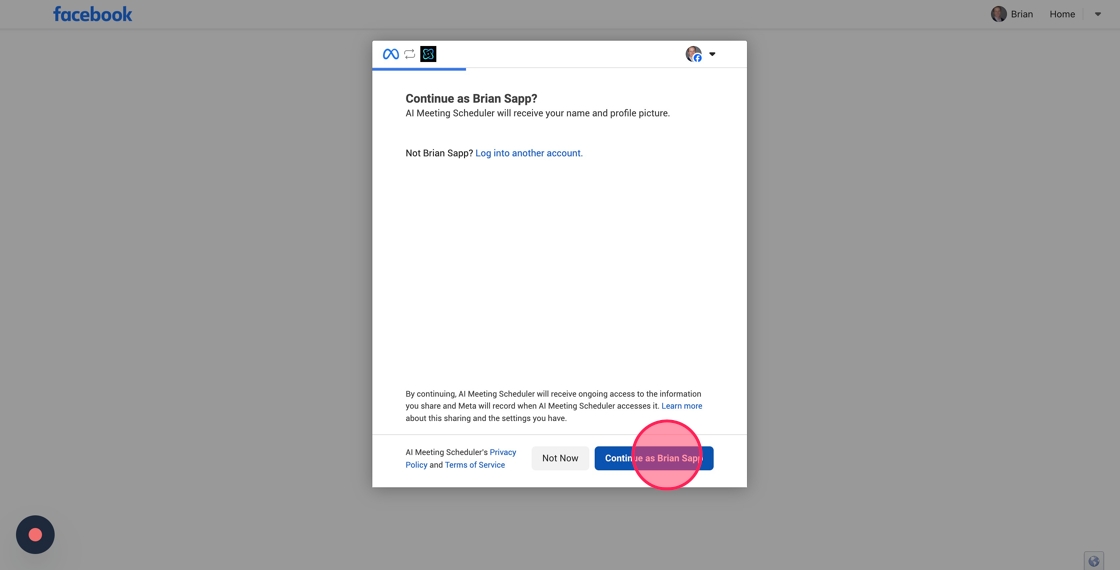
9. Click your company/personal page

10. Click "Continue"
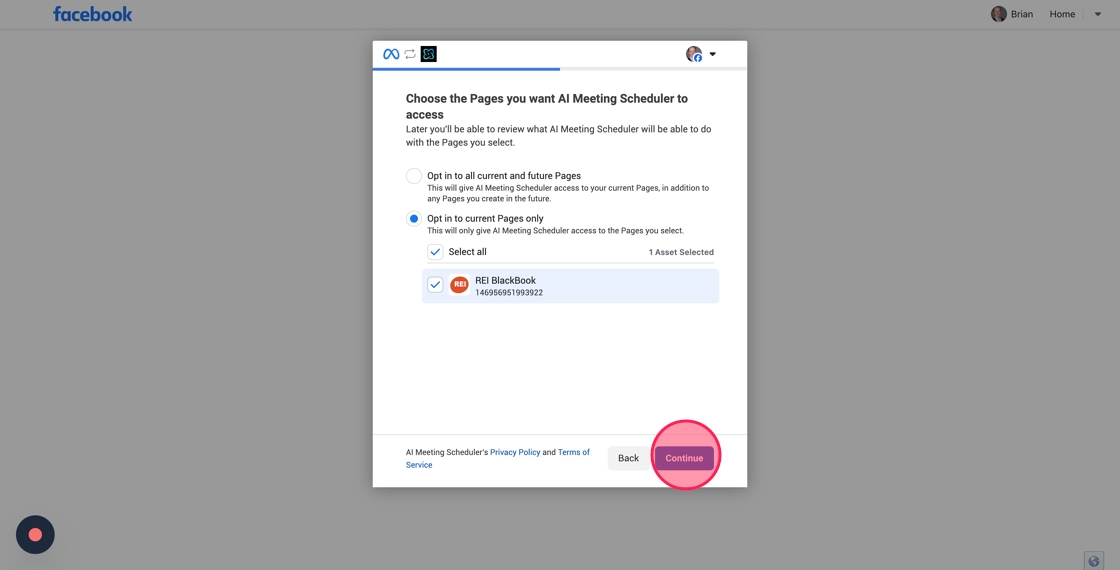
11. Click the "Opt in to all current and future BusinessesThis will give AI Meeting Scheduler access to your current Businesses, in addition to any Businesses you create in the future." field.

12. Click "Continue"

13. Click "Save"

14. Click "Got it"

15. You will be directed by to this screen. Click this checkbox to "ON"

16. Go to Facebook. Click this icon. Make sure you are logged in as your Business account

17. Click "Meta Business Suite"

18. Click "Inbox"
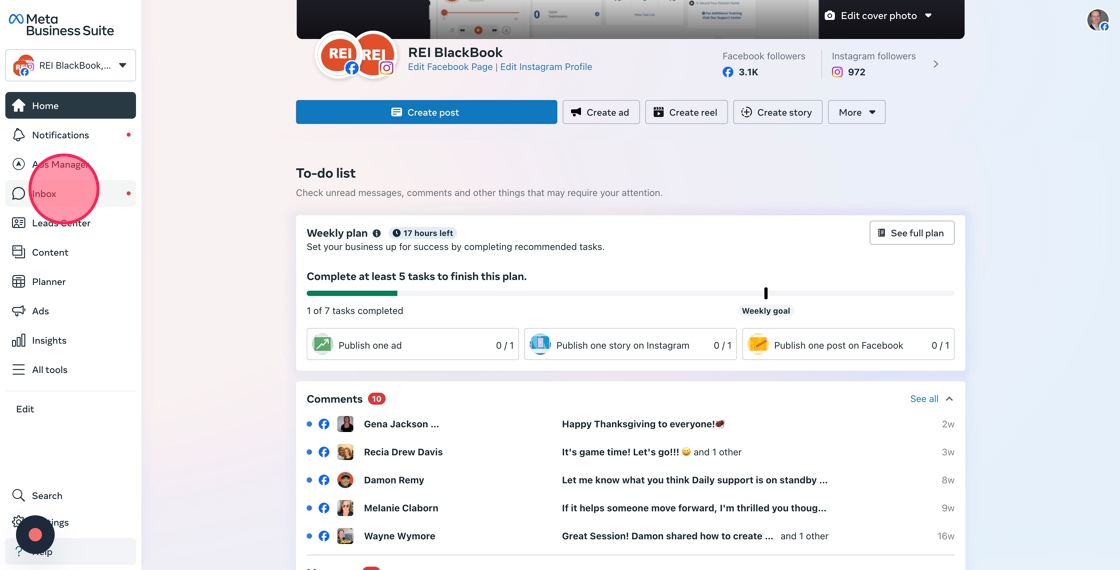
19. Click "Automations"

20. Click this checkbox to turn off "Instant Reply"
NOTE: Disabling Instant Reply allows your AI agent to deliver personalized and real-time responses without any interference.

21. Click this checkbox to turn off "Frequently Asked Questions"
NOTE: Disabling Instant Reply allows your AI agent to deliver personalized and real-time responses without any interference.
