1. Navigate to https://reiblackbook.com/
2. Click here "Gear Icon"

3. Click "Chat Bots"
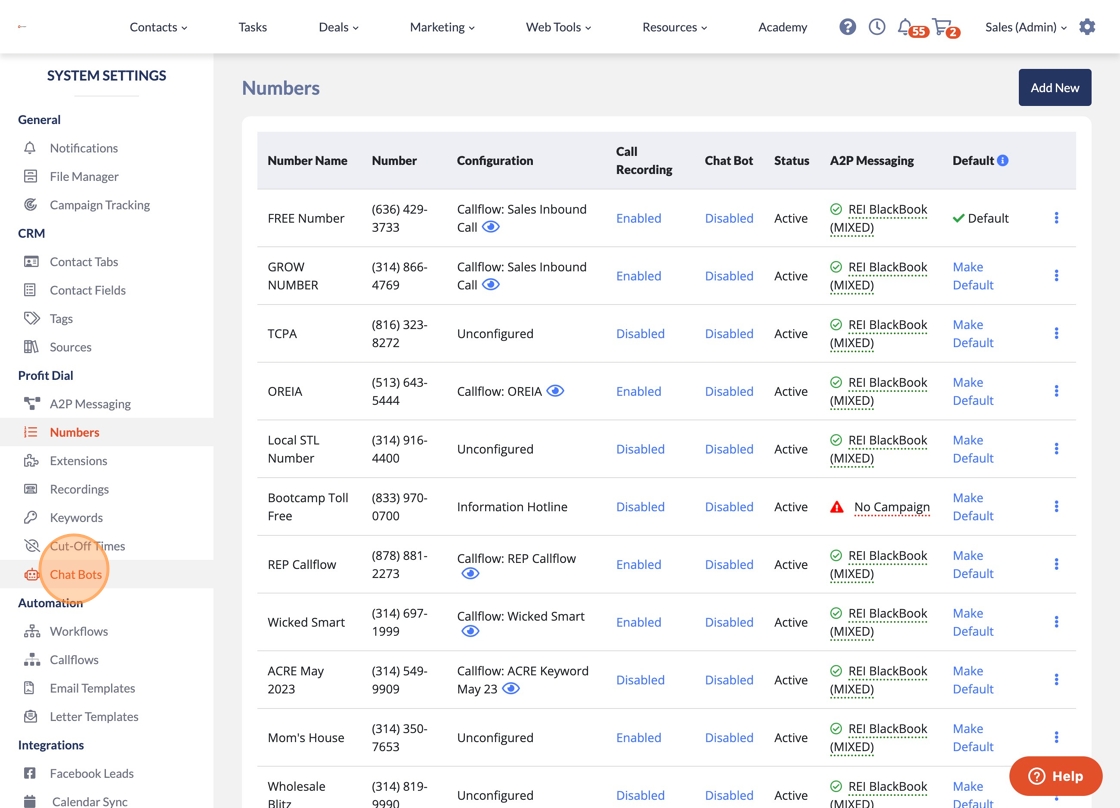
4. Click "Add API Token"

5. Switch to tab REI Chat"
6. Click "API"

7. Click "Generate a New Token"

8. Click here.

9. Switch to tab REI BlackBook"
10. Right-click the "API Token:" field.

11. Click "SAVE"

12. Click "Add New"

13. Click the "Name" field.

14. Type in the name of your bot
15. Click "AI Agents (Chatbots)"

16. Click "My AI Agents"

17. Click here.

18. Click here.

19. Click this icon.

20. Switch to tab REI BlackBook"
21. Click the "UUID:" field.

22. Right-click the "UUID:" field.

23. Right-click the "Description:" field.
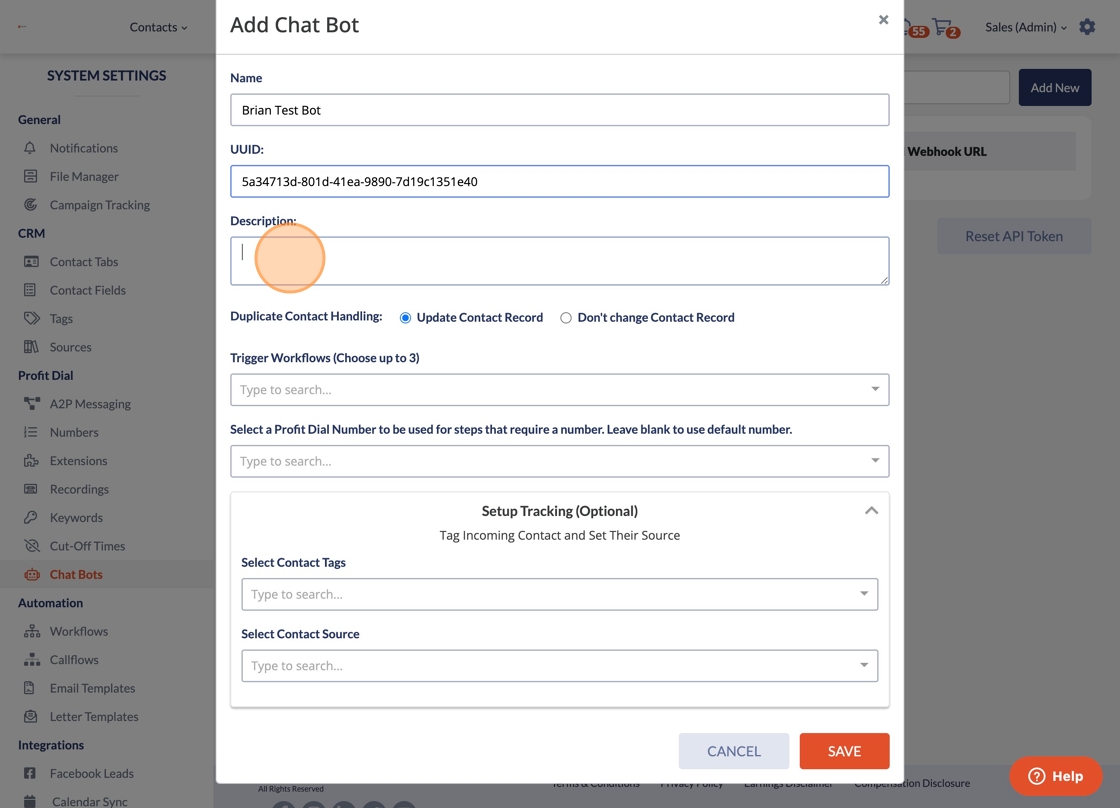
24. Type the description
25. Click "SAVE"

26. Click "Numbers"

27. Click "Disabled"

28. Click "Type to search..."

29. Click your bot

30. Click "Save Changes"
